 I
I
ImageTransformer
0Convert and compress images in batches
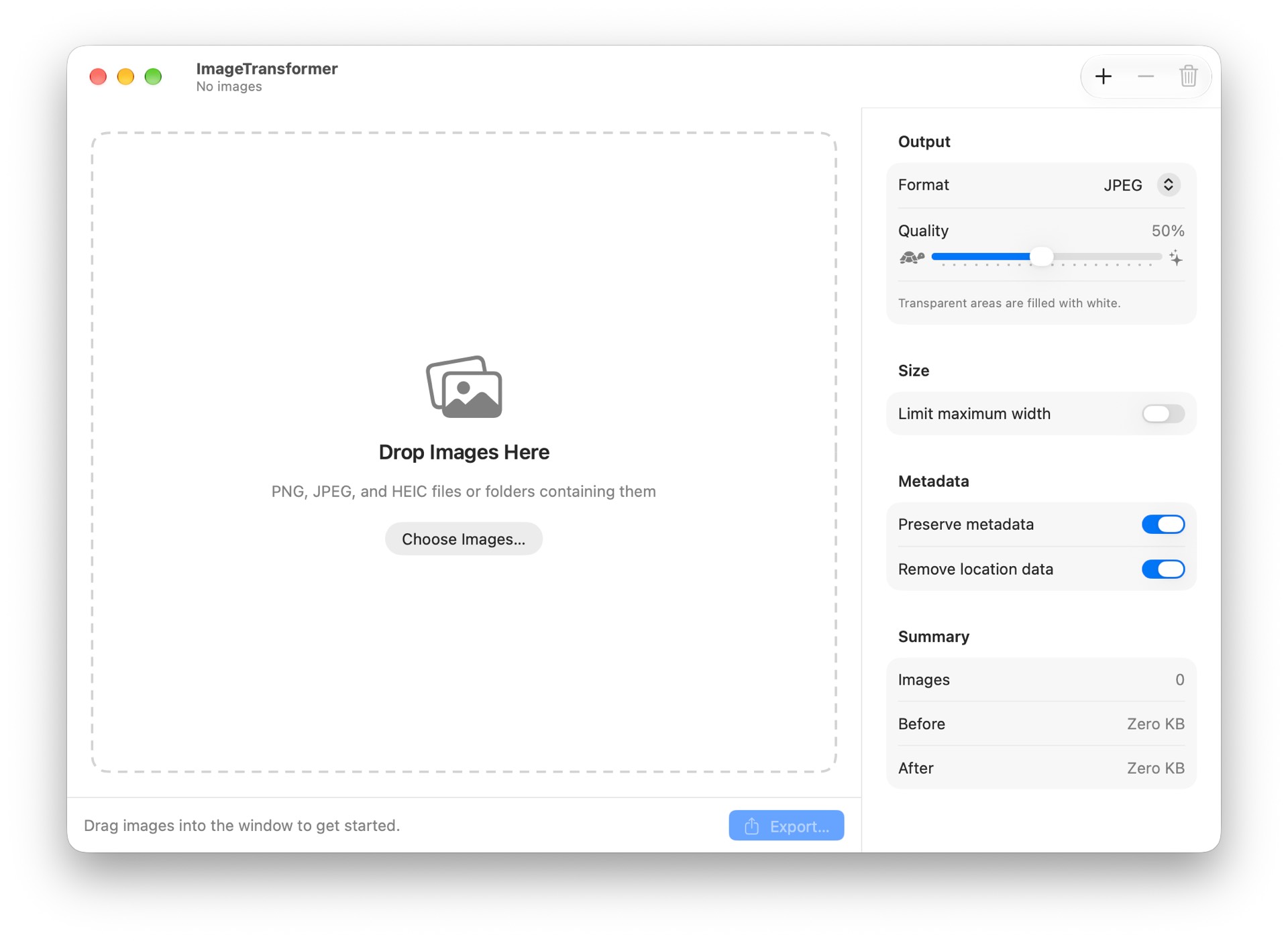
Image Transformer converts and compresses images in batches. Drag in a pile of photos, or whole folders of them, pick your settings, and export everything in one go. Drop in PNG, JPEG, and HEIC files and see each image's dimensions, original size, and projected output size before you commit, so you know exactly how much space you'll save. Then choose where it all goes. • Convert to JPEG, PNG, HEIC, or TIFF • Adjust quality with a slider for the lossy formats (PNG and TIFF are exported losslessly) • Optionally limit the maximum width: wider images scale down proportionally, and smaller images are never enlarged • Keep image metadata or strip it, and remove GPS location data before you share photos • See per-image status as the export runs, then jump straight to the exported files in Finder • Your settings are remembered between launches Image Transformer works entirely on your Mac. There is no account and no network access. It only touches files you add and the export folder you choose.
Permissions
Versions
Version 1 Oct 24, 2026 Current
- Published
- Oct 24, 2026
- App Type
- Window App
- Permissions
- User-selected files
- License
- MIT License
- Runtime
- ironsmith-0.0.0
- Source Hash
- 1bc5a347a0d48242482bdc92a38fd6df57e0b4af5976f7f28384b41d98d00de4